
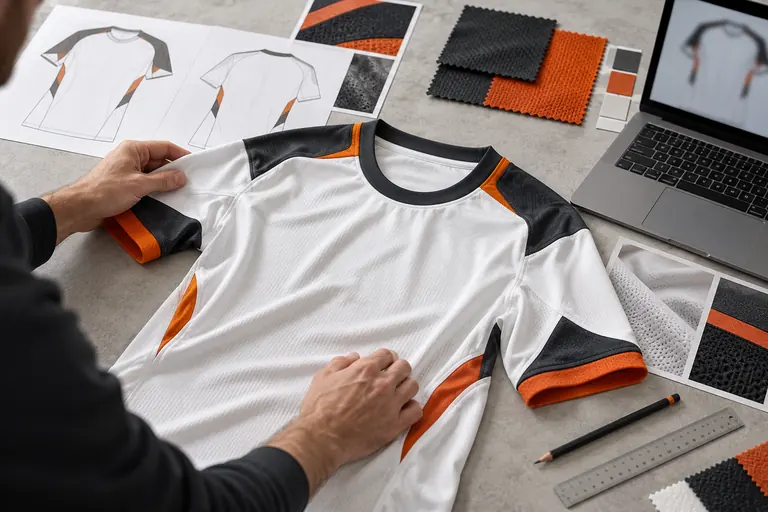
Design tutorial / 01
1. Design selection
Choose a starting design for your garment.
- Gather references for the overall look.
- Consider how the design works across the complete kit.
Design tutorial / 02
2. Base color
Set the main and secondary team colours.
- Separate primary colours from accents.
- Use a colour reference when an exact match matters.
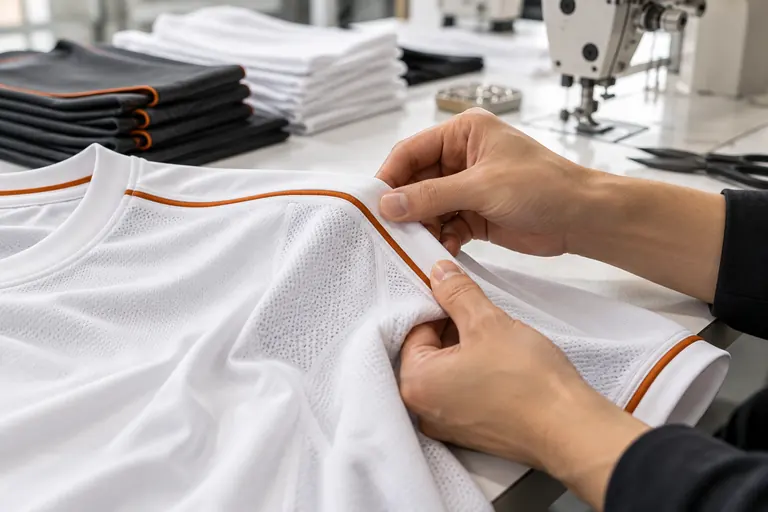
Design tutorial / 03
3. Pattern
Consider the front, back, sleeves and side panels.
- Keep the pattern consistent across panels.
- Leave clear space around names and sponsor marks.
Design tutorial / 04
4. Color gradient
Balance colour transitions with readable text and logos.
- Choose the start and end colours.
- Check the visibility of details over darker areas.
Design tutorial / 05
5. Number & name
Check player details, lettering and placement.
- Prepare the exact spelling and number for each player.
- Note the font, outline and preferred placement.
Design tutorial / 06
6. Text
Add shared team names, mottos or other lettering.
- Separate shared team text from individual names.
- Double-check capitalisation and punctuation.
Design tutorial / 07
7. Logo
Prepare clear artwork and specify its size and position.
- Keep the original artwork rather than a screenshot.
- List each logo and its intended garment position.
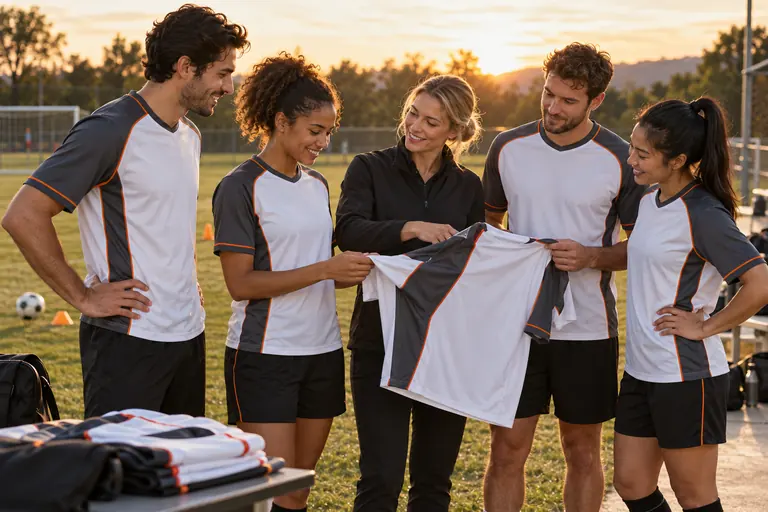
Design tutorial / 08
8. Preview function
Review all views and the complete team list.
- Check the front, back and both sleeves.
- Save the version that your team has approved.
Design process: FAQ
What should I include in a quote request?
Prepare your product, quantity and personalisation details before requesting a quote.
How can I share a design brief?
Include the design reference and the intended recipient when asking about sharing artwork.
How should I prepare my team list?
Keep sizes, names, numbers and quantities together in one list.
Can artwork be adapted to another product?
Confirm the layout again when adapting artwork to another garment.